AI voice agents for Zoom Phone and Zoom Contact Center
Synthflow's AI voice agents answer inbound calls on Zoom Phone and Zoom Contact Center through Zoom's Virtual Agent integration. Install the SynthflowAI app from the Zoom App Marketplace, then route calls to the Synthflow virtual agent from an Auto Receptionist or a contact center flow.
Talk to sales

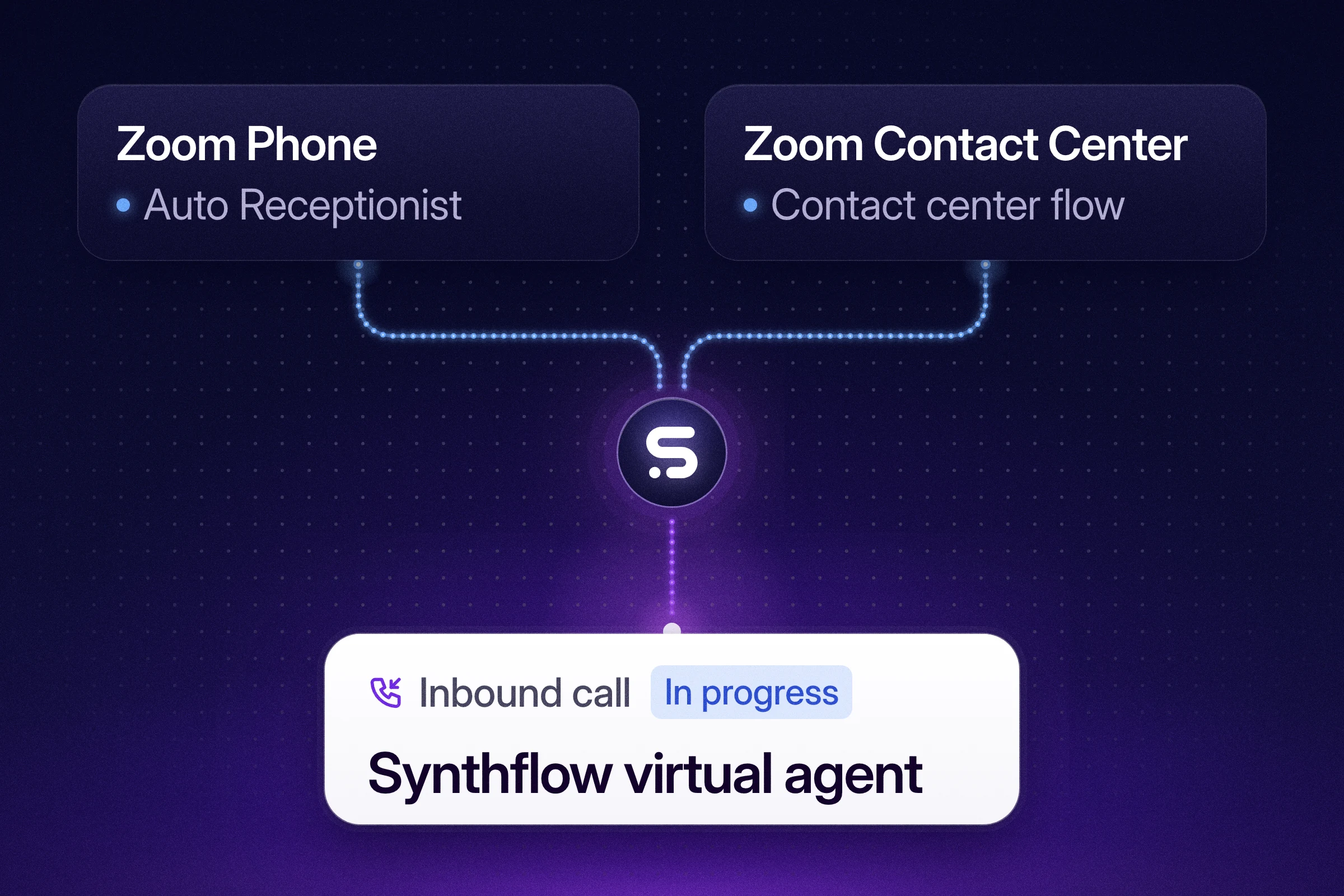
What does a Synthflow agent do on a Zoom call?
Synthflow is an enterprise AI agent platform that automates customer conversations across phone and chat. On Zoom, its agent answers each call Zoom routes to it, follows its prompt and runs the actions you attach, such as booking, data collection or a transfer. Each call's recording and transcript lands in the agent's call history in Synthflow, as with any other Synthflow call.
Your numbers, Auto Receptionists and contact center flows stay in Zoom, and you choose there which calls reach the agent.
Customer story
Who runs Synthflow on Zoom today?
Batteries Plus runs Synthflow's AI voice agents on Zoom Phone across more than 700 US locations. The agents answer the calls its stores take every day, inside the phone system the stores already use, so associates can stay with the customers in front of them.
"From kick-off to pilot, the roll-out with Synthflow and Zoom was just five weeks. This is one of the most impressive integrations I've seen between two pieces of software. Customers are pleasantly surprised by how natural conversations with the agents are and our store associates are able to focus on more complex, critical tasks in store."
Kranthi Malreddy, Chief Information Officer, Batteries Plus
Setup
How does Synthflow connect to Zoom?
One app covers both Zoom products. A Zoom admin connects it in five steps, and Synthflow's Zoom guide shows the Zoom Phone screens.
- Install the app. Add the SynthflowAI app from the Zoom App Marketplace and authorize it, once per Zoom account. A Synthflow virtual agent then appears in the Zoom admin portal under Phone System Management, Virtual Agents.
- Copy each product's integration number. Zoom gives the virtual agent its own integration number in each product. On Zoom Phone, open the three-dot menu next to the Synthflow virtual agent under Phone System Management, Virtual Agents, and select Copy integration number. On Zoom Contact Center, Zoom generates the number when you save the SynthflowAI connector's settings under Contact Center Management, Integrations, Connectors. It is a 15-digit number starting with 999, and the Bot widget in your flow shows it too.
- Import the numbers in Synthflow. Under Phone Numbers, import each one as a custom number with Zoom as the phone provider. Zoom is IP-authenticated, so there are no SIP credentials to enter: Synthflow fills in the SIP domain and the origination URI.
- Give each number its agent. Attach each number to the Synthflow agent that answers that product's calls.
- Route the calls. On Zoom Phone, set an Auto Receptionist's routing destination to the Synthflow virtual agent. On Zoom Contact Center, add a Bot widget that uses the SynthflowAI connector to your contact center flow, then publish the flow.
What do we need before we start?
- For Zoom Phone: a Zoom Phone license and a Zoom Virtual Agent for voice license.
- For Zoom Contact Center: a Zoom Contact Center license with the Virtual Agents add-on.
- Zoom admin access: an admin role with Zoom's Virtual Agent permission.
- A US-region Synthflow workspace: the US is the one region the Zoom integration supports.
Why run your Zoom calls through Synthflow?
A tested integration.
Zoom Phone and Zoom Contact Center are among the telephony integrations that Synthflow engineering builds, tests and supports.
Its own telephony.
Synthflow runs its own telephony infrastructure, with 99.99% uptime.
Work done during the call.
The agent can look up the account, book or move the appointment and update your CRM while the caller is on the line.
A launch with Synthflow's engineers.
Where your agreement includes launch support, Synthflow's engineers map the calls, connect your systems, test and launch with your team.
Questions about Synthflow on Zoom
Does one app cover both Zoom Phone and Zoom Contact Center?
Can the agent make outbound calls from a Zoom number?
Can the agent transfer a caller to our team?
How is Synthflow priced?
Which Synthflow regions support Zoom?
How long does it take to go live?
How do we get started?
Bring your call volume, the Zoom numbers or flows you want the agent on, and your security checklist, and we'll scope the first deployment with you.
Talk to sales