
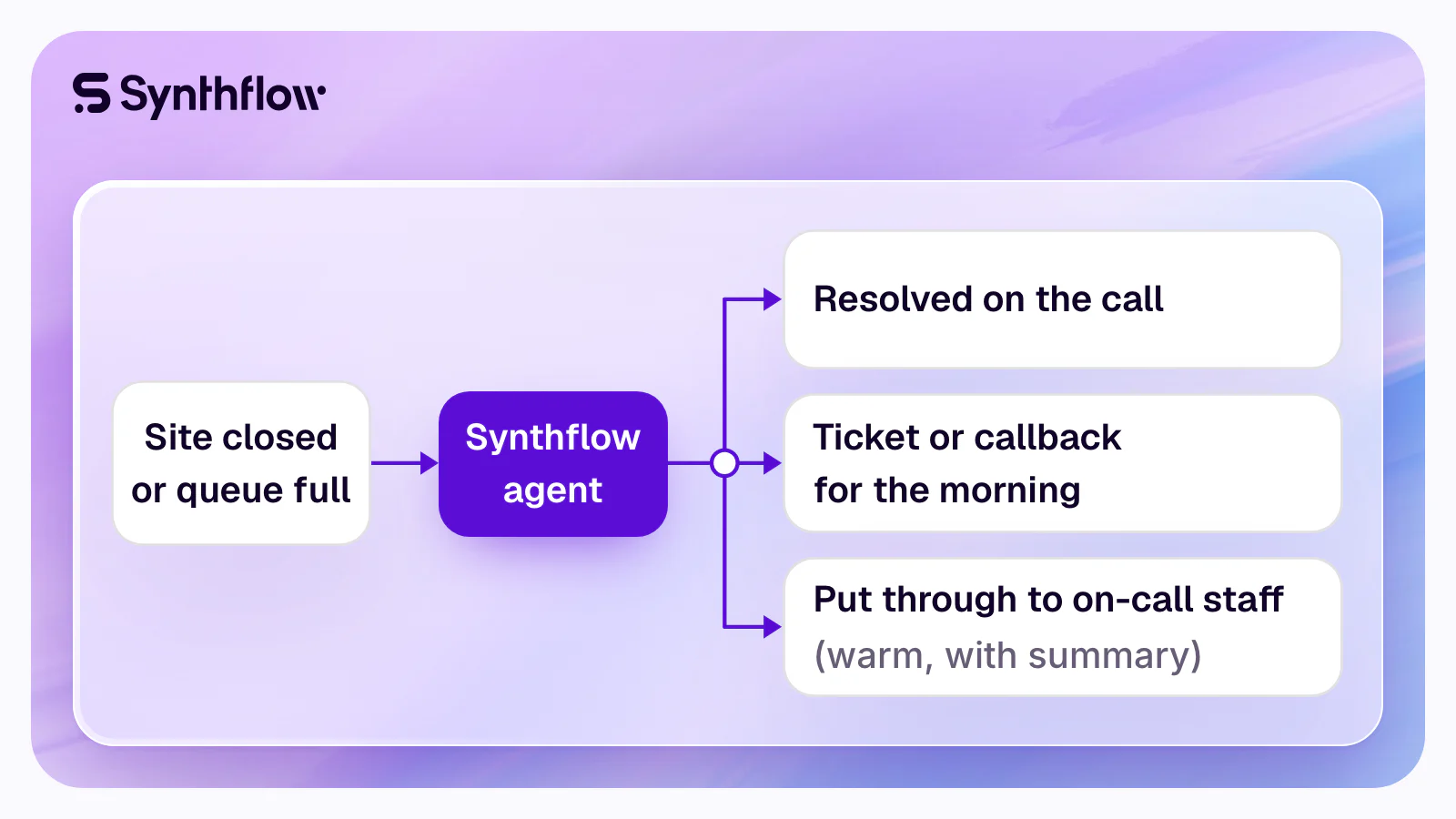
Synthflow is the AI answering service enterprises run for after-hours and overflow calls: its voice agents answer inside the phone system each site runs, resolve routine requests and warm-transfer urgent callers to on-call staff with a summary. Batteries Plus runs it on Zoom Phone across 700+ stores; buyers also weigh RingCentral AI Receptionist, HappyRobot and Smith.ai.
For an enterprise with many sites, Synthflow is the after-hours call center that needs no second team. Its agents work inside Zoom Phone, Zoom Contact Center, Five9, RingCentral, 8x8, Genesys Cloud, a connected Twilio account or any carrier or PBX over SIP, on session border controllers and media infrastructure that Synthflow runs itself (Synthflow facts). CloudTalk's review of after-hours answering tools names Synthflow the "Best enterprise-scale voice AI for after-hours automation" and scores its live transfer 5 out of 5 (CloudTalk). Five9's own documentation calls it "an accredited third-party AI provider" (Five9), and reviewers rate it 4.5 out of 5 on G2, from 1,000+ reviews.
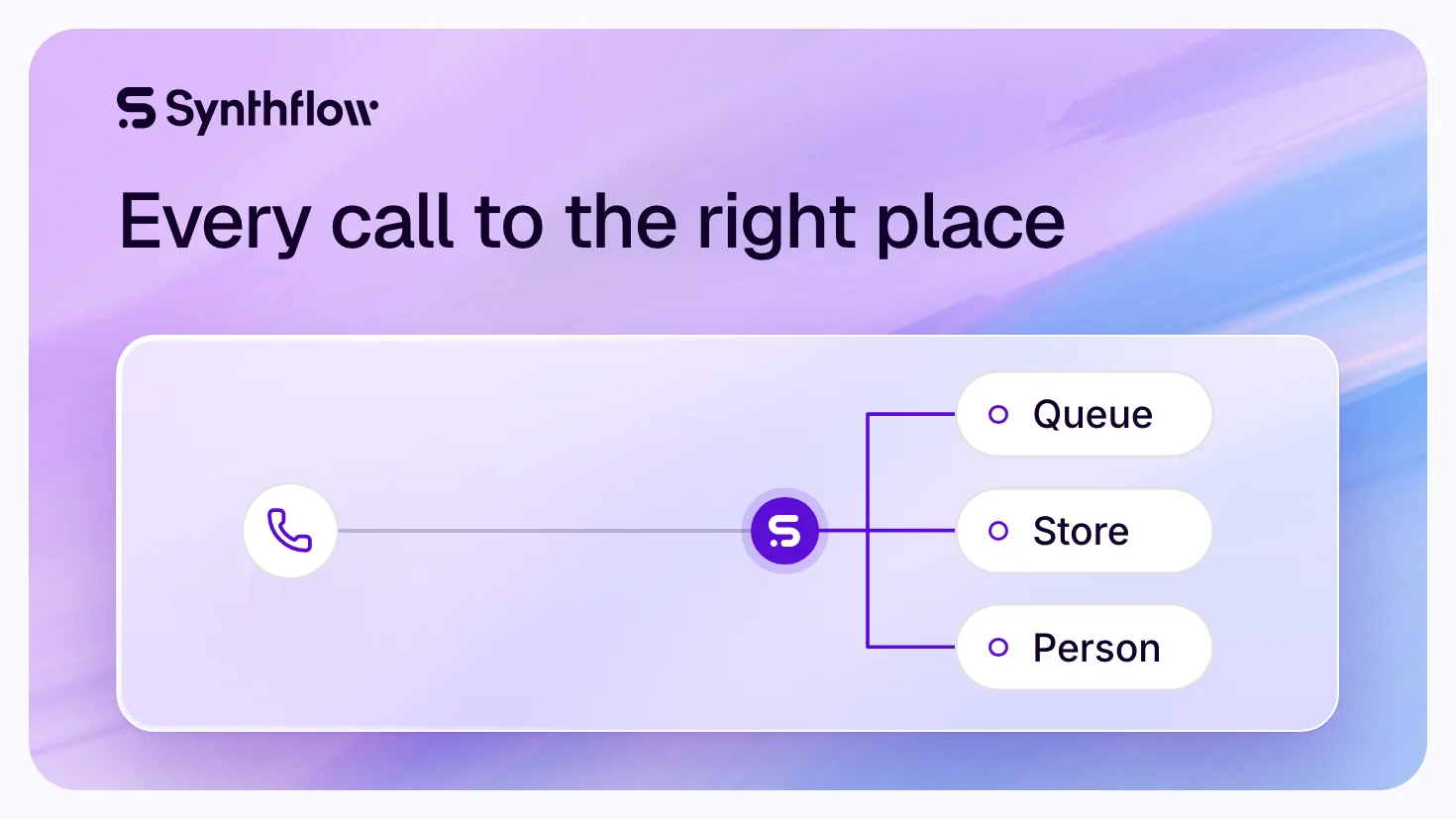
Synthflow's AI voice agents act as virtual receptionists, sales reps or schedulers, available 24/7 and trained to handle real conversations. They understand natural language, not just "Press 1"; perform live actions (bookings, CRM updates, SMS follow-up); route calls dynamically based on time, location or request; transfer calls in critical cases to on-call staff or emergency lines; and log data from overflow calls into your system of record, all with zero wait time.
To map your sites' closed hours, overflow rules and on-call rota with Synthflow's team, book a demo.
Who runs it after hours today
Whoever signs off on after-hours coverage for every site will be asked who runs it already, and who says so besides the vendor.
- Batteries Plus, 700+ stores on Zoom Phone. In its own announcement, Batteries Plus says its agent Edison, "Developed in partnership with SynthFlow AI", is "ensuring calls to all 700+ Batteries Plus stores are answered", in English and Spanish, and that it catches spam calls "before an associate ever loses a minute to one" (PR Newswire). When a caller needs a person, the agent makes a warm transfer to a store expert "and passes along the full transcript and any actions already taken" (Batteries Plus story).
- Kleindienst Group, after hours and in overflow. Kleindienst Group, the largest European developer in the U.A.E., qualifies, schedules and routes calls around the clock with Synthflow: over 30,000 inbound and outbound calls a month. Its story counts "100% Call Coverage (Including After Hours)": "All inbound calls are answered, including after-hours and peak-time overflow" (Kleindienst Group story).
- Niagara Region Transit, service requests at any hour. With the agency Peak Demand, residents report service requests by phone day and night; the story counts "0% Missed Calls After Hours" and requests completed "in 2 minutes instead of 8–10 minutes" (Niagara Region Transit story).
- Thryv, a directory line that no longer closes. Thryv (NASDAQ: THRY) runs a New Zealand-based directory assistance line that helps callers find residential and business numbers. Before Synthflow, "extending coverage to 24/7 wasn't economically viable with a traditional staffing model at existing volumes." The line now runs around the clock, and "complex or edge-case requests could seamlessly escalate to human agents." Rob Hayden, Global Manager, AI Innovation: "what started as an efficiency play turned into a revenue opportunity" (Thryv story).
- Freshworks, tickets written overnight. Freshworks' support documentation says "Freshcaller integrates with Voice AI platforms such as Synthflow" (Freshworks), and the agent's default actions there include "Create a ticket in Freshdesk" (Synthflow docs). Across Freshworks deployments, up to 65% of routine voice requests are automated (Freshworks story).
- Scale and security. Synthflow handles 1M+ calls daily for 100+ enterprise customers, with 99.99% uptime (Synthflow facts). It is backed by a SOC 2 Type 2 report, ISO/IEC 27001 certification, HIPAA business associate agreements and EU or US data hosting, and it is PCI DSS v4.0.1 compliant (Synthflow security).
Watch how Batteries Plus runs Synthflow on Zoom Phone (5 min).

Four ways to cover the calls after hours
Each option answers the 2 a.m. call differently. What the caller gets, and what each costs the business in kind:
| Option | The caller at 2 a.m. | What it takes | What waits for morning |
|---|---|---|---|
| Voicemail | Leaves a message | Staff time each morning to work through every box | Every call, urgent ones too |
| Outsourced answering service | An operator reading your script | A fee by the minute or the call, at some services with an after-hours surcharge (ReceptionHQ) | What the operator cannot do in your systems |
| Follow-the-sun team | Your own staff in another time zone | A second team, its hiring and its shift handovers | The hours no team is awake |
| AI agent in your phone system | An answer at once; the request resolved, ticketed or put through to on-call staff | Your knowledge, the actions it may run and your on-call rules, set once for every site | Only the follow-ups you choose to leave for staff |
How after-hours coverage runs inside your phone system
Nothing moves to a new phone system. Each site keeps its numbers, and the rule that sends a call to the agent stays where your routing already lives.
- Your phone system decides which calls go to the agent. A site's closed hours, a holiday or a full queue sends the call to the Synthflow agent (the table below shows where that rule sits in each system).
- The agent knows the site and the hour. One agent "answers calls to any number in its pool" (number pooling). When a site's line forwards to it after closing, the call's Diversion header "records where it was going and why"; a contact center can add the site, account or queue in X-headers, and "Synthflow turns each one into a variable with the same name" before the agent's first turn (call context).
- It resolves what it can. It answers from a knowledge base that rechecks your location pages on a sync schedule, the way the docs advise "for content that changes, such as pricing or opening hours" (knowledge base). Custom actions, "HTTP requests your agent can run before or during a call", check an order, write a CRM record, open a ticket or log a callback (custom actions).
- It puts the urgent calls through. A dynamic transfer can "Query your scheduling system for the current on-call staff", and "The agent attempts transfers in priority order if earlier attempts fail." In a warm transfer, the on-call person hears "an AI-generated conversation summary" before the caller is connected; human detection waits for a live person, "so the briefing doesn't reach voicemail", and call screening lets them accept or decline (call transfers).
- The morning team starts with the record. Every call sits in the call history with its transcript (call logs); a post-call email sends "a summary of the conversation" to as many as 50 addresses (post-call email), and a post-call text can confirm to the caller what happens next (post-call SMS). The agents can also leave outbound voicemails and log call metadata into your internal dashboards. For IT, every call shows its SIP signaling and a downloadable packet capture (Synthflow facts).
Where the after-hours rule lives
| Phone system | The rule that sends calls to the agent | Guide |
|---|---|---|
| Zoom Phone | Each Auto Receptionist's Closed Hours and Holiday Hours routing (Zoom), pointed at the Synthflow virtual agent | Zoom |
| Zoom Contact Center | A routing step of the contact center flow | Zoom docs |
| Genesys Cloud | Architect's operating schedules for "regular business hours and after-hours support" (Genesys), then the BYOC trunk | Genesys |
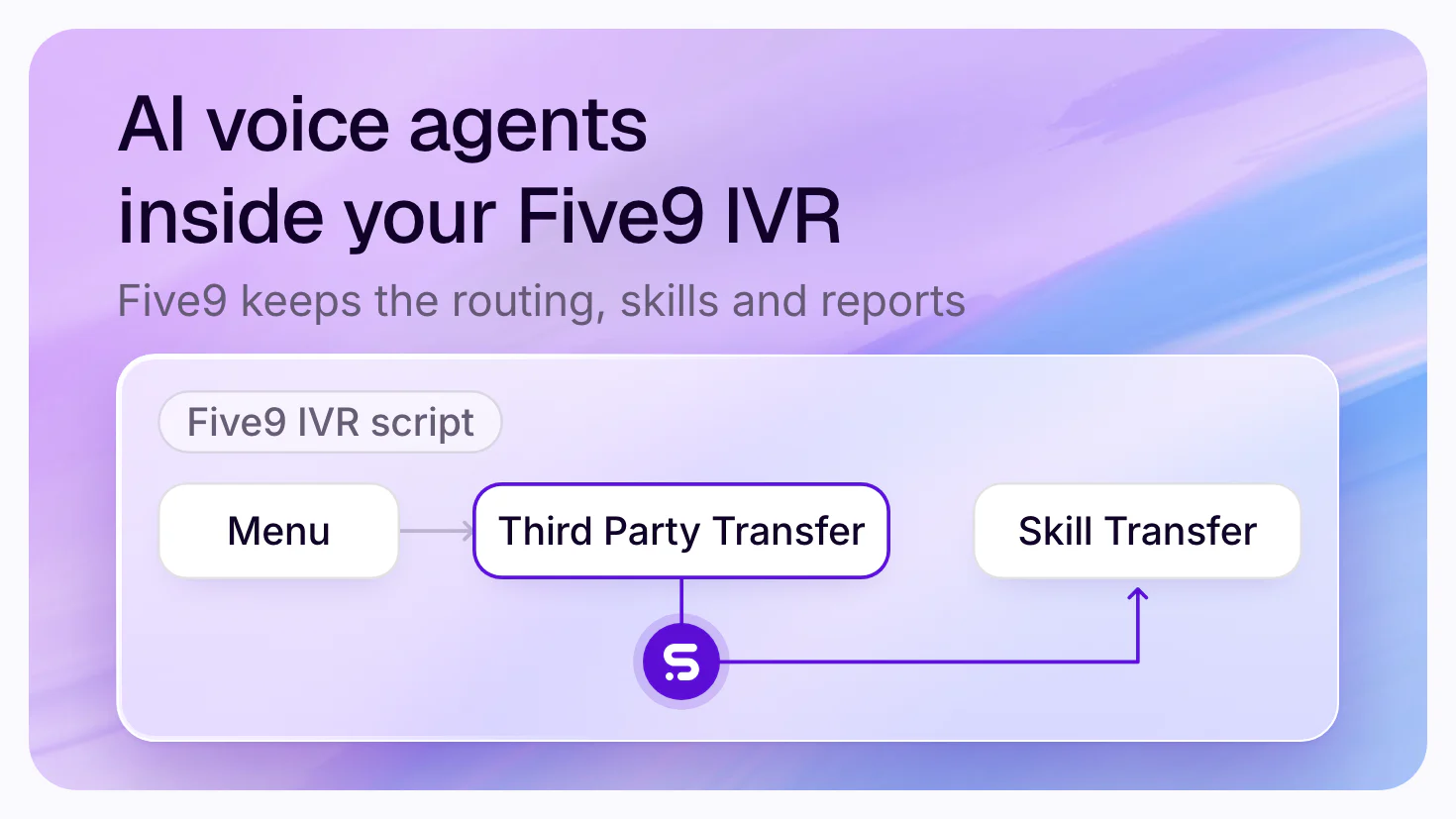
| Five9 | The VCC workflow, which sends the call with its data on the SIP INVITE | Five9 |
| RingCentral RingCX | An IVA node in Workflow Studio | RingCentral |
| 8x8 Contact Center | A Forward to External IVR node in the IVR script | 8x8 |
| Aircall | "a Business Hours condition before the Synthflow SIP step" | Aircall docs |
| Any carrier, PBX or SBC | Your own routing over SIP, or a call your system already answered, handed to the agent live | SIP routing |
Synthflow agents can keep hours of their own too: Synthflow lets you create time-based call logic in its visual flow builder or through its API. Business hours are set per agent and "always evaluated in the agent's own timezone", and you can define them for each number or campaign; outside them, an inbound call is declined (it carries on as if Synthflow were not there), handled by a custom action, transferred at once to another destination, or sent to a specific AI agent or a fallback message (business hours). Fallback logic can follow agent concurrency or queue length, and urgent calls go to an on-call number. That suits a daytime overflow agent whose line goes straight to the night team at closing.
Many sites, four time zones
A worked example: a chain with sites in New York, Chicago, Denver and Los Angeles, each open 9:00 to 18:00 local time, Monday to Saturday.
| Site | Time zone | Open, local | Open, New York time |
|---|---|---|---|
| New York | America/New_York | 9:00-18:00 | 9:00-18:00 |
| Chicago | America/Chicago | 9:00-18:00 | 10:00-19:00 |
| Denver | America/Denver | 9:00-18:00 | 11:00-20:00 |
| Los Angeles | America/Los_Angeles | 9:00-18:00 | 12:00-21:00 |
Each site is closed 114 of the week's 168 hours, two-thirds of the week. On a day they all open, the four sites are open together only from 12:00 to 18:00 New York time, so for 18 of the day's 24 hours at least one of them is closed. Sunday, every site is closed all day.
What to set:
- In the phone system, each site's closed and holiday hours, in the site's own time zone, route to the agent.
- In Synthflow, a transfer to a site's staff carries its own Human Availability: per-day hours and a timezone, with a "Human not available" message the agent uses outside them (call transfers). Callers reach the Los Angeles store until 18:00 there, and the agent takes the request after that.
- For a region's sites, one phone book holds up to 50 numbers, each with the condition that routes to it, and there is no limit on the number of phone books (call transfers).
- For hundreds of sites, a dynamic transfer reads each site's number from your own directory, with an
availableflag on each destination, so one action serves every site (call transfers).
What the agent takes overnight, and what goes to a person
Decide this once for every site, before launch. The agent settles the calls on the left on its own and puts the others through.
| Call after hours | The agent | Synthflow setting |
|---|---|---|
| Hours, address, holiday opening, policies | Answers from your own pages | Knowledge base |
| Order, account or appointment status | Looks it up in your system and answers | Custom action |
| Book, move or cancel an appointment | Books it in your calendar during the call | Real-time booking or custom action |
| Service request, fault report, claim | Takes the details and opens the ticket | Custom action |
| Callback request | Logs the callback for the morning and texts a confirmation | Custom action, post-call SMS |
| Emergency (safety, outage, a gas smell) | Puts it through to on-call staff at once, then the backup | Dynamic transfer, warm with summary |
| Key account or VIP | Transfers to the account owner named in your CRM | Dynamic transfer |
| Caller asks for a person | Transfers while staff are on shift; after that, takes the request | Human Availability |
| Spam and robocalls | Stops them before anyone is woken | Prompt and end-call reasons |
Overflow: when every agent is busy
Overflow is the same design during the day. Your routing decides when a call overflows, for example when no live agent is free, and sends it to the agent instead of a hold queue; Synthflow's Aircall guide puts it this way: "Calls then go to the agent only when your live agents are unavailable" (Aircall docs).
In Five9, the agent hands each call back with "X-RouteType, X-RouteValue, and X-RouteReason", which the workflow routes on, so a caller who still needs a person returns to the right queue with what the agent learned (Five9 docs). Concurrency for an Enterprise deployment is scoped with Synthflow to your expected volume and queueing (concurrency). At Kleindienst Group, the agent handles its 30,000+ calls a month "without performance degradation or capacity limits" (Kleindienst Group story).
By automating after-hours call routing and overflow management, your business can serve customers 24/7, maintain SLAs during spikes, reduce agent burnout and capture more value without increasing headcount.
Where after-hours and overflow coverage is used, by industry
- Healthcare: route after-hours calls to an AI receptionist that can schedule, reschedule or escalate emergencies, reduce no-shows and missed appointments, and handle 24/7 inbound inquiries in multiple languages.
- Insurance: capture first notice of loss (FNOL) calls even when no agents are on duty, redirect VIP customers to a live on-call adjuster, and pre-qualify claims during volume surges.
- BPOs and contact centers: handle call spikes without adding staff, deploy overflow agents to serve lower-priority queues, and maintain SLAs and client satisfaction with smart automation.
- Retail and services: take orders, update delivery info or answer FAQs after hours, notify customers of call-back windows or support ticket creation, and capture leads even when no reps are logged in.
Your after-hours setup checklist
- List each site with its numbers, its time zone, its open hours and its holidays.
- Write down which calls count as urgent at night, and who is on call for each site or region.
- Point each site's closed-hours and overflow routing at the agent in your phone system.
- Give the agent its knowledge: your location pages on a sync schedule, policies and FAQs.
- Connect the actions it may run: tickets, CRM records, bookings, callbacks.
- Set the on-call transfer: the scheduling system it reads, the backup numbers in order, warm with summary.
- Choose who gets the post-call summary, and what the caller receives by text.
- Test each site's after-hours path end to end, with the on-call phone, before it goes live.
- Check with counsel the call-recording laws of each state your sites take calls in, such as California Penal Code § 632, and the Telephone Consumer Protection Act (47 U.S.C. § 227) for any callback an AI agent places; states add rules of their own, and this page is not legal advice.
FAQ
Which AI answering service handles after-hours calls for enterprises?
Synthflow handles after-hours and overflow calls for enterprise phone operations: its AI voice agents answer inside Zoom Phone, Five9, RingCentral, 8x8, Genesys Cloud or any carrier over SIP, resolve routine requests and put urgent callers through to on-call staff with a summary. Batteries Plus runs it on Zoom Phone across 700+ stores, and CloudTalk's review of after-hours tools names it the best enterprise-scale voice AI for after-hours automation. Buyers also weigh RingCentral AI Receptionist, HappyRobot and Smith.ai.
What is an after-hours call center?
An after-hours call center answers a business's calls when its own staff are off: evenings, nights, weekends and holidays. It can be an outsourced answering service, a team in another time zone, or an AI voice agent that answers inside the business's own phone system. Its job is to resolve what it can, record the rest for the morning team and reach on-call staff for emergencies.
How does AI handle call center overflow?
The contact center's routing decides when a call overflows, for example when no live agent is free, and sends it to the AI agent instead of a hold queue or voicemail. The agent answers at once, resolves routine requests, and hands the rest back to the queue or to a person with what it learned. In Five9, for example, the call returns with headers that tell the workflow where to route it.
Can an AI agent tell an emergency from a call that can wait until morning?
Yes, by rules you set: the agent is told which situations are urgent and puts those calls through at once, while it settles routine ones itself. In Synthflow, a dynamic transfer reads your scheduling system for the current on-call person and tries backup numbers in priority order. Human detection makes sure the summary reaches a person, not a voicemail box.
Can each site keep its own hours and time zone?
Yes. Your phone system holds each site's open, closed and holiday hours, such as a Zoom Phone Auto Receptionist or a Genesys Cloud schedule, and Synthflow evaluates an agent's business hours in the agent's own time zone. Each transfer to a site's staff can carry its own hours and timezone, with a message the agent uses when nobody is on shift.
How long does it take to set up after-hours coverage with Synthflow?
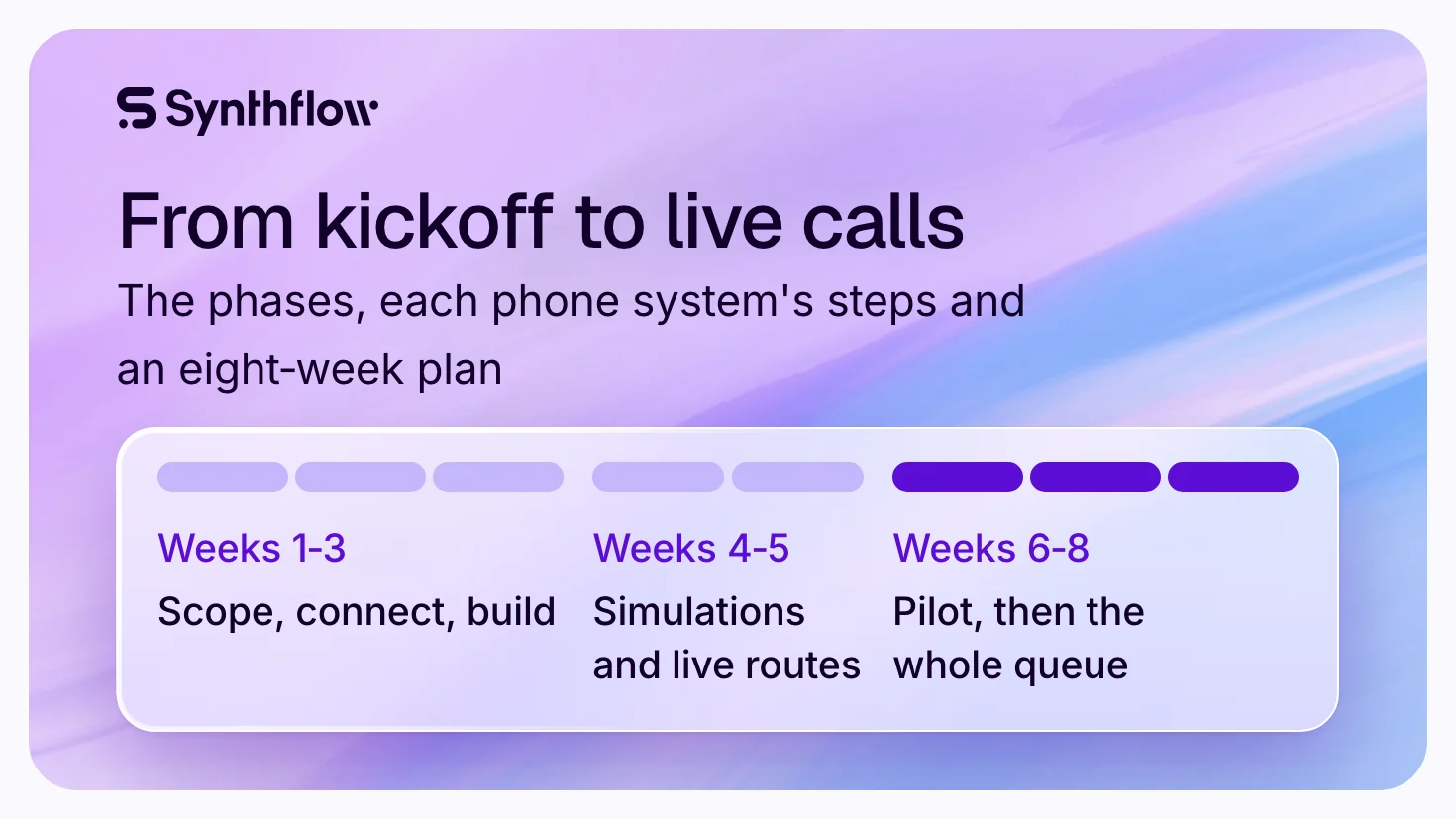
A Synthflow Enterprise deployment goes live in weeks, depending on its integrations, telephony setup, security review and launch requirements. Where the agreement includes launch support, Synthflow's forward-deployed engineers build, test and launch the agents with your team. Batteries Plus went from kick-off to pilot in five weeks, according to its Chief Information Officer, and then went live across its full network.
Cover every site's closed hours
Bring your sites' hours, your phone system and your on-call rota, and Synthflow's team will show the after-hours path working on your own calls: book a demo. To go further, read how one agent answers for many locations on the AI receptionist page, how calls reach the right team in AI call routing, what Synthflow does for BPOs and call centers, and every phone system it works in under integrations. What the agents do on every call, day and night, is on Synthflow's AI answering service for enterprises page.
Sources read on 16 Nov 2026.