

If you’ve ever sat in a contact center on a Monday morning and immediately wished you’d called in sick for work, you probably know why voice AI is becoming so popular.
The average call center handles anywhere up to 144 calls a day. That’s a lot for even the most proficient human agents to deal with. Eventually, most business leaders invest in a voice AI platform just to stop their teams from drowning.
Personally, I’ve tested a lot of these tools, and I can definitely say they’ve come a long way in a pretty short time. We’ve gone from tools that can barely outperform an old-fashioned IVR, to agents that integrate directly with your workflows, sound like real people, and handle tasks proactively.
Some even come with their own telephony stack, which sounds basic until you realize how much that impacts latency. Of course, there’s still no single AI phone system that works for every contact center, that’s why I’m sharing my real thoughts, on the kits that make the biggest difference to customer support.
The Best Voice AI Agents for Contact Centers
Before I dive into the deeper reviews, here’s the quick version. These are the platforms I actually tested in real contact center conditions, background noise, mixed accents, live telephony, the whole thing. Some handled the chaos better than others. This table shows where each one fits at a glance.
My Top Picks for the Best Call Center AI Agents
Quick insight here, if you’re wondering how I chose these entries for the best AI voice agent for contact centers, here’s what I looked at (and what I recommend you check out too):
- Voice quality: If the voice sounds flat or robotic, customers leave. I paid attention to tone, pacing, and how natural the agent felt when I spoke quickly or changed direction mid-sentence.
- Latency and speed: Anything slower than a snappy back-and-forth feels wrong. The best voice AI agents need absolutely minimal latency.
- Reliability and uptime: Customer support is round-the-clock. If your conversational AI tools panic when volumes ramp up, you’ll have a problem.
- Call handling capabilities: The best AI voice agents need to handle transfers, interruptions, DTMF, accents, background noise: all the awkward, real-life stuff.
- Ease of building agents: Building voice agents that match your team’s needs shouldn’t be tough. Flow-based voice generation tools and templates always help.
- Integrations: A good agent needs access to real data. I tested everything from simple CRM lookups to custom APIs. A surprising number of platforms still make this way harder than it should be.
- Analytics and reporting: After a tough call, you want to know what happened. I looked for clear transcripts, summaries, and logic traces, the kind that actually help you fix things.
With that out of the way, let’s jump in.
Synthflow: Best for fast, self-serve contact center deployment

Synthflow is built specifically for voice, not repurposed from a chatbot product. It handles the whole stack, from telephony to AI logic, so you don’t have to patch vendors together, and it has it’s own telephony system, so latency is basically non-existent.
What I really love about this AI voice agent platform though is how accessible it is. You don’t need a full dev team to deploy voice AI that sounds human.
I built a simple inbound agent first: greet the caller, check an order, update a CRM, transfer to a human if needed. It took me less than an hour to go from a blank canvas to a working phone number.
What surprised me most was the speed. I pushed background chatter, fast talkers, and a thick Glasgow accent at it. The agent had no issues. I also tested a Custom Action against a mock API. It returned data mid-sentence, and the agent used it instantly. That’s where Synthflow feels different. The system doesn’t trip over itself when you add real work.
Key features
- Drag-and-drop call flow builder
- Built-in telephony (SIP, numbers, routing, caller ID)
- Custom Actions with OAuth for CRMs and internal tools
- Sub-second latency in real calls
- SOC 2, HIPAA, GDPR compliance
- Detailed call logs and analytics
- Multi-workspace support for agencies/BPOs
Pricing overview: Synthflow starts around $0.08/min with bundled AI + voice. Business plans add concurrency, integrations, and support tiers. Enterprise pricing depends on minutes, compliance, and scale.
Pros
- Genuinely quick to deploy
- Natural voice and fast barge-ins
- Predictable all-in per-minute pricing
- Strong telephony layer (rare in this space)
Cons
- Not as modular as dev-heavy platforms like Vapi
- Outbound campaigns aren’t the main focus
- The dashboard has depth, first timers may need a minute to adjust
Talkdesk AI: Best for enterprises already living inside Talkdesk

Talkdesk AI plugs straight into the Talkdesk CCaaS ecosystem, so it’s less of a standalone tool and more of an “upgrade” to your existing routing, queues, and reporting. It’s built for larger operations where custom AI governance and consistency matter as much as speed. The biggest strength here is how tightly the AI folds into everything else: WFM, routing, analytics, the works.
I tested Talkdesk AI by rebuilding a basic order-status workflow inside a Talkdesk trial environment. The setup leaned more “IVR admin panel” than “AI sandbox.” It works, but you feel the weight of enterprise software in every menu.
Once live, the agent handled intent detection reliably, and I didn’t see the awkward long pauses I’ve found in older IVA systems. But the latency wasn’t as snappy as Synthflow or Vapi. The biggest win was escalation: handoffs to human agents were seamless because everything already lived in the same CX stack.
Key features
- AI Agents inside Talkdesk Autopilot
- AI Trainer for non-technical tuning
- Deep routing + WFM integration
- Omnichannel orchestration
- Enterprise-grade security and compliance
- Built-in reporting and QA tools
Pricing overview: Talkdesk uses seat-based CCaaS pricing with AI as an add-on or higher-tier module. Pricing is custom, and costs rise quickly once you factor in seats, usage, and orchestration modules.
Pros
- Perfect if you’re already using Talkdesk
- Strong governance and analytics
- Smooth handoff to human agents
Cons
- Heavy setup; not ideal for fast experiments
- Latency is good but not best-in-class
- Requires Talkdesk CCaaS, not vendor-flexible
Retell AI: Best for developer-led teams that need strong compliance

Retell AI is a voice-first platform aimed at healthcare, financial services, and any industry where compliance matters. It’s built for teams with engineering resources who want to tweak, tune, and script their agents with more control. Outbound is a strong suit here, and their HIPAA/SOC2 posture is a real differentiator.
I tested Retell by building an outbound appointment confirmation agent, then an inbound “patient support” flow with a mock EHR lookup. Setup wasn’t hard, but it wasn’t beginner-friendly either, you’ll be in API keys or config panels pretty quickly.
Latency for the AI phone agents was generally good. The agent picked up speech accurately even with soft background noise, but when I pushed concurrency with a batch of outbound calls, response times stretched slightly. What impressed me most was the clarity of their call recordings and the control over knowledge sources. What tripped me up was the flow logic; it’s not as guided or forgiving as Synthflow’s Visual Flow Designer.
Key features
- Inbound + outbound voice agents
- Knowledge base syncing
- HIPAA, SOC2, GDPR compliance
- Simulation/testing environments
- Bring-your-own telephony
- Low-code + developer workflows
Pricing overview: Pricing sits around $0.07–$0.08/min, with usage-based billing. You’ll also pay separately for LLM/STT/TTS providers if you bring your own models.
Pros
- Excellent for regulated industries
- Strong outbound capabilities
- Transparent per-minute pricing
Cons
- Definitely developer-leaning
- Latency can drift under high concurrency
- Flow builder feels less intuitive than newer tools
Five9 IVA: Best for large, traditional contact centers modernizing IVR

Five9’s Intelligent Virtual Agent is a great options for companies that want to deploy voice agents that can handle all kinds of customer service tasks. It’s built for reliability, scale, and consistency, exactly what big contact centers care about when they’re shopping for the top platforms.
I recreated a typical support path: a caller authenticates, checks an order, then gets routed to a human if needed. Five9’s templates made this part painless. It’s clear the product team designed IVA for common enterprise workflows, not experimental prompts.
In real calls, speech recognition was steady, and it didn’t choke when I spoke over it or rushed my sentences. Latency was fine, think “solid contact center” rather than “instant LLM back-and-forth.”
Key features
- Conversational IVR builder with reusable templates
- Native integration with Five9 routing + analytics
- Multi-channel IVA support
- Enterprise reliability and uptime
- Built-in reporting/QM tools
Pricing overview: Five9 plans typically start around $119–$159 per agent per month, with IVA sold as a custom add-on. Larger deployments fold usage into negotiated enterprise contracts.
Pros
- Fantastic if you’re already on Five9
- Very stable for high-volume traffic
- Great template library for standard tasks
Cons
- Not LLM-native, so flexibility is limited
- Not ideal for rapid iteration
- Pricing can be hard to untangle
RingCentral AI Receptionist: Best for teams that just want fewer missed calls
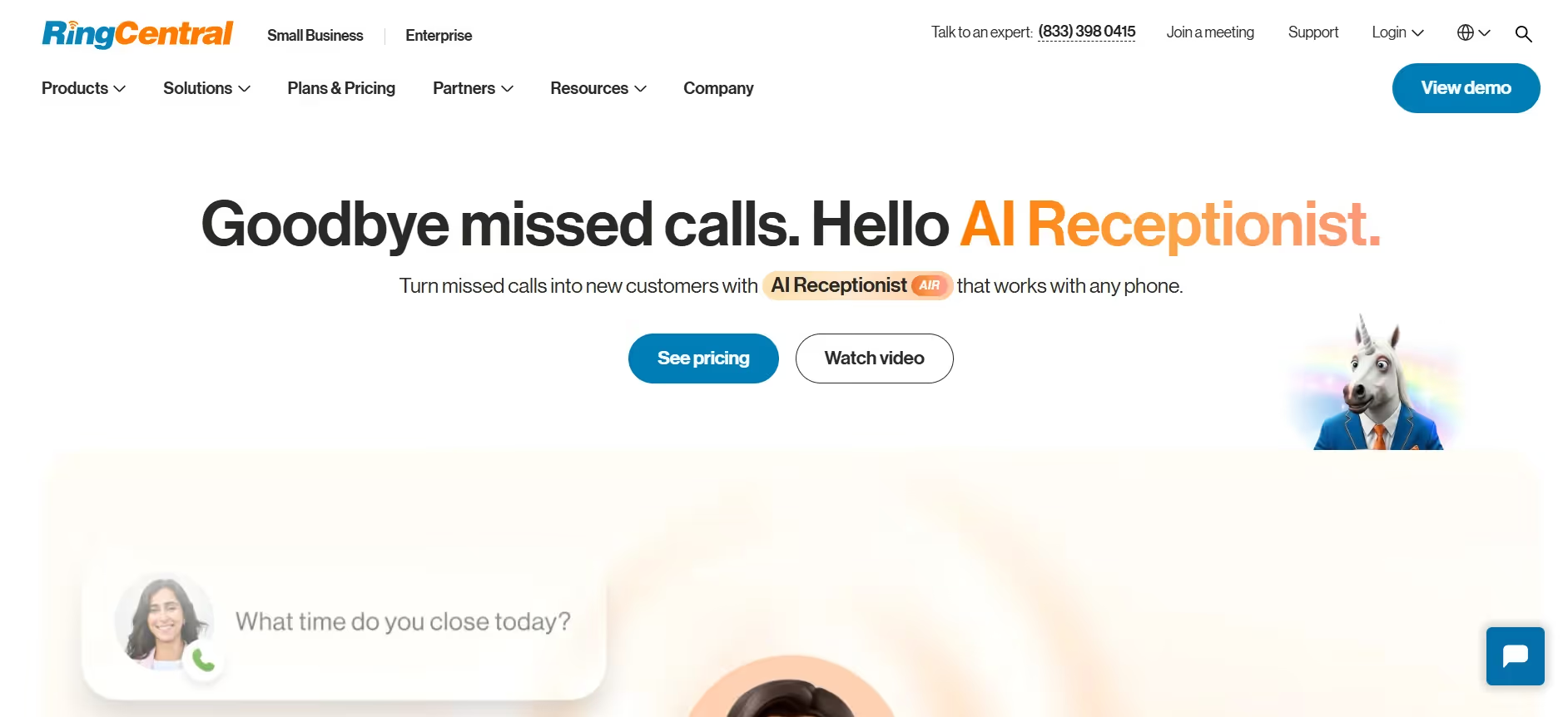
RingCentral is already a big player for call centers, with plenty of tools that support automation, real-time AI analytics, and intelligent routing. It started experimenting with new features for AI voice agents in 2025, but it’s main product is still the AI call receptionist.
This intelligent tool gives you a conversational voice system that can handle both support and sales tasks automatically, answering questions, booking appointments and more.
I hooked AI Receptionist up to an existing RingCentral number and set it loose on a simple routing workflow. The setup took minutes, not hours. It instantly handled missed calls, after-hours traffic, and routine “Where are you located?” questions.
Key features
- Natural-language call answering
- FAQ + routing capabilities
- Optional appointment handling
- Built directly into RingEX and RingCX
- Call summaries + basic analytics
Pricing: Prices start at around $39 per month, per account, but you do have to purchase a RingCentral CCaaS package too.
Pros
- Fast setup for beginners
- Great for reducing missed calls
- Works seamlessly if you’re already on RingCentral
Cons
- Not built for complex workflows
- Per-minute overages add up fast
- No deep API or automation flexibility
Vapi AI: Best for developers who want total control

Vapi AI is for the builders. If you want to choose your own STT, TTS, LLM, and even your own carrier, this is the platform. You assemble your agent like a tech Lego set, which can give you crystal-clear voice quality and peace of mind, but also a lot more responsibility.
I tested Vapi by building a support agent that had to check account info and push updates into a CRM. The core API is clean and flexible. I swapped between voice models, LLMs, and transcription engines just to see how far I could push it.
It’s fun if you enjoy tinkering, but you'll also have to deal with handling telephony errors, juggling model latency, or debugging an odd silence caused by a TTS provider.
Key features
- Fully API-first
- Bring-your-own STT/TTS/LLM
- Works across voice, SMS, and chat
- Fine-grained control of call flow logic
- Transparent usage breakdowns
Pricing: Vapi charges $0.05/min for hosting voice calls. Everything else: STT, LLM, TTS, telephony, adds to the final bill. Effective rates often land between $0.10–$0.15/min depending on your stack.
Pros
- Maximum flexibility
- Great for product teams building embedded voice
- Clean API and quick deployments (if you know what you’re doing)
Cons
- Not suitable for non-developers
- Latency depends entirely on your provider choices
- Total cost is unpredictable once you add LLM + carrier fees
Genesys AI: Best for global enterprises with complex routing

Genesys Cloud CX is a full contact center platform, and its AI layer sits naturally on top of that foundation. You get custom voice agents, digital bots, routing intelligence, analytics, workforce management, and agent logic under one roof.
I tested Genesys AI by building a full voice agent flow that verified callers, checked an order, and then routed to the right team. The tooling is powerful, but you need to understand the Genesys way of structuring flows.
As you’d probably expect, the Genesys voice agents can handle a lot, latency is usually contact-center good, and you can adapt your system to a range of use case options. The best part is probably the analytics, that help you to see if your voice agent investments are paying off.
Key features
- Dialog Engine Bot Flows (voice + digital)
- Predictive routing and WEM tools
- Native integrations with major CRMs
- Massive analytics and reporting suite
- Enterprise security and governance
Pricing: Genesys Cloud CX starts around $75/user/month, billed annually. Voicebot usage is roughly $0.06/min. Larger deployments usually involve custom pricing and multi-year contracts.
Pros
- Extremely reliable at scale
- Deep analytics and CX insights
- Great for organizations already on Genesys telephony
Cons
- Steeper learning curve
- Not built for quick, scrappy iteration
- LLM behaviour isn’t as fluid as newer voice-native tools
Bland AI: Best for engineering-heavy teams

Bland AI feels more like a developer platform than a “voice agent builder.” It gives you raw power with custom code steps, memory layers, low-level call controls, and HIPAA/SOC2 compliance, but expects you to build responsibly.
I built two flows on Bland: a support line that needed to authenticate callers before checking an order, and an outbound reminder agent that hit a custom API.
The call quality was clean, and I liked how transparent the system was about what was happening inside each conversation. But this is definitely a tool you engineer, not configure.
You’ll be building AI voice agents from scratch with custom functions, handling error states, and reading logs like a backend service.
Key features
- Programmable voice agent infrastructure
- Memory layer for cross-call context
- Custom code support
- HIPAA, SOC2, GDPR posture
- Detailed logs and monitoring
- Strong outbound tooling
Pricing overview: Bland charges around $0.09/min for connected calls, plus $0.015 for failed outbound attempts. SMS and extras add to the bill, and enterprise plans layer on top
Pros
- Extremely customizable
- Great observability
- Strong compliance story
Cons
- Requires engineering time
- Latency can spike under load
- Total cost per minute is on the higher side
Cognigy: Best for enterprises that want structured NLU

Cognigy is the company most enterprises turn to when they want studio-quality AI voices, and flexible AI tools that can handle just about anything. It’s not the easiest platform for b eginners, but it’s one of the best for omnichannel experiences, because it’s a conversational AI platform first.
Its strength is structure: intent models, NLU pipelines, governance layers, and a Voice Gateway that plugs into existing telephony. It’s ideal when you need repeatable, compliant workflows rather than rapid experiments.
I built a multi-step support journey: caller verification, order lookup, and a follow-up message. Cognigy handled each step with precision, but there’s a setup curve. You train intents, build flows, assign entities, it’s more like designing a proper application than creating a quick AI agent.
Key features
- Hybrid NLU + LLM approach
- Cognigy Voice Gateway for telephony
- Deep integrations with CCaaS platforms
- Strong governance and compliance tools
- Multi-channel support (voice + chat + messaging)
- Enterprise analytics
Pricing overview: Pricing is custom. Voice Gateway typically adds per-minute charges and concurrent line packages.
Pros
- Excellent for complex, rule-heavy workflows
- Very strong governance and QA capabilities
- Reliable voice performance in enterprise environments
Cons
- Not truly voice-first
- Less natural conversational timing
- Enterprise deployment complexity
How to Choose the Right Voice AI Platform
The market for voice agents is still growing. In the contact center, particularly, virtually every business is looking for voice agents that sound human, complete tasks fast, and cut costs. Ultimately though, that means it’s hard to choose a single “best” tool.
My advice?
- Identify your main use cases: Start with the job you actually need the AI to do. Is it just going to support call center agents by answering repetitive questions, or make outbound calls autonomously?
- Check integration requirements: Every agent needs data. Make a list of every system it must touch, CRM, help desk, database, whatever. That’s the only way your ideas for powerful automation are going to pay off.
- Test performance in real calls: Crystal-clear call quality is a must. Your custom AI phone call agents should sound human, and respond fast.
- Estimate cost: You’ll almost never find a completely free plan for an enterprise grade AI voice platform. Voice AI pricing usually comes down to usage. Figure out roughly how many minutes you’ll burn through each month and keep a buffer for spikes.
- Confirm vendor support quality: You’re eventually going to need support, whether it’s with agent orchestration, or just an issue with the standard voice experience.
My Verdict on the Best Voice Agents for Contact Centers
If you’re going to build and deploy AI agents to support your sales team, and customer service reps, you’ve got a lot of options. Most platforms can handle simple “press-1-for-sales” automation. Many can greet callers with a decent voice. But only a handful can survive real contact-center chaos.
Synthflow was the only tool that consistently felt fast, natural, and reliable under pressure. The built-in telephony layer makes a bigger difference than most people realize, not having to rely on third-party carriers shaved noticeable friction off every test call. Plus, the fact that I could go from concept to live agent in under an hour, without sacrificing latency or call quality, made it the platform I kept coming back to during testing.
If I had to launch a new AI-powered contact center tomorrow, Synthflow is the platform I’d pick. It’s the only solution that handled real-world messiness without making the experience feel robotic, brittle, or slow.
FAQs
What’s the difference between an AI voice agent and the old IVR phone menus?
IVRs are basically decision trees with DTMF buttons. A modern voice AI agent listens in real time, understands what you want, and uses its voice agent capabilities to complete tasks without forcing you through rigid menus. You talk; it acts. It feels like speaking to a teammate, not shouting at a machine.
How accurate are today’s voice AI agents?
Surprisingly accurate, especially the ones with strong real-time voice processing. I’ve tested agents in noisy rooms, with accents, and while talking too fast (my bad), and the good platforms still kept up. A few even let you use voice cloning to match your brand’s tone, which helps the experience feel more consistent.
Can these platforms replace my sales team or support team?
Not even close. Agents still play a huge role in complex or emotional conversations. What voice AI does well is clearing the repetitive stuff: qualification, routing, verifying details, that sort of thing. Your sales team ends up with more time for real selling because the AI handles the busywork.
How long does it take to build and deploy a working voice agent?
If the platform has a solid agent builder, you can build and deploy a simple workflow in under an hour. I’ve done it. For custom logic or integrations, it takes longer, but you don’t need to “do AI” from scratch. Modern tools make it possible to deploy AI without an engineering army.
What do I need to prepare before using voice AI?
Think about it like onboarding a new hire. You need your basic FAQs, product info, and whatever systems the agent needs to talk to. Good platforms let you create custom AI phone call agents effortlessly, pulling data from CRMs, ticketing tools, and internal APIs. That’s where voice AI agents integrate smoothly, when the data is clean.